Logo visualisation
An extra outside the main scope of the POC. This project explores running a whole company with humans and AI working together in Claude Desktop. Visualising logos on products is not part of that management work. It is a separate, additional shop feature, built along the way to show what AI can do with a product catalogue.
A customer picks a product in the shop, uploads their logo and immediately sees it on the product photo. The logo sits in the print area, follows the shape of the item (bending on a cap, wrapping round a bottle) and looks like the chosen marking technique: print, engraving, transfer or embroidery.
How to get there
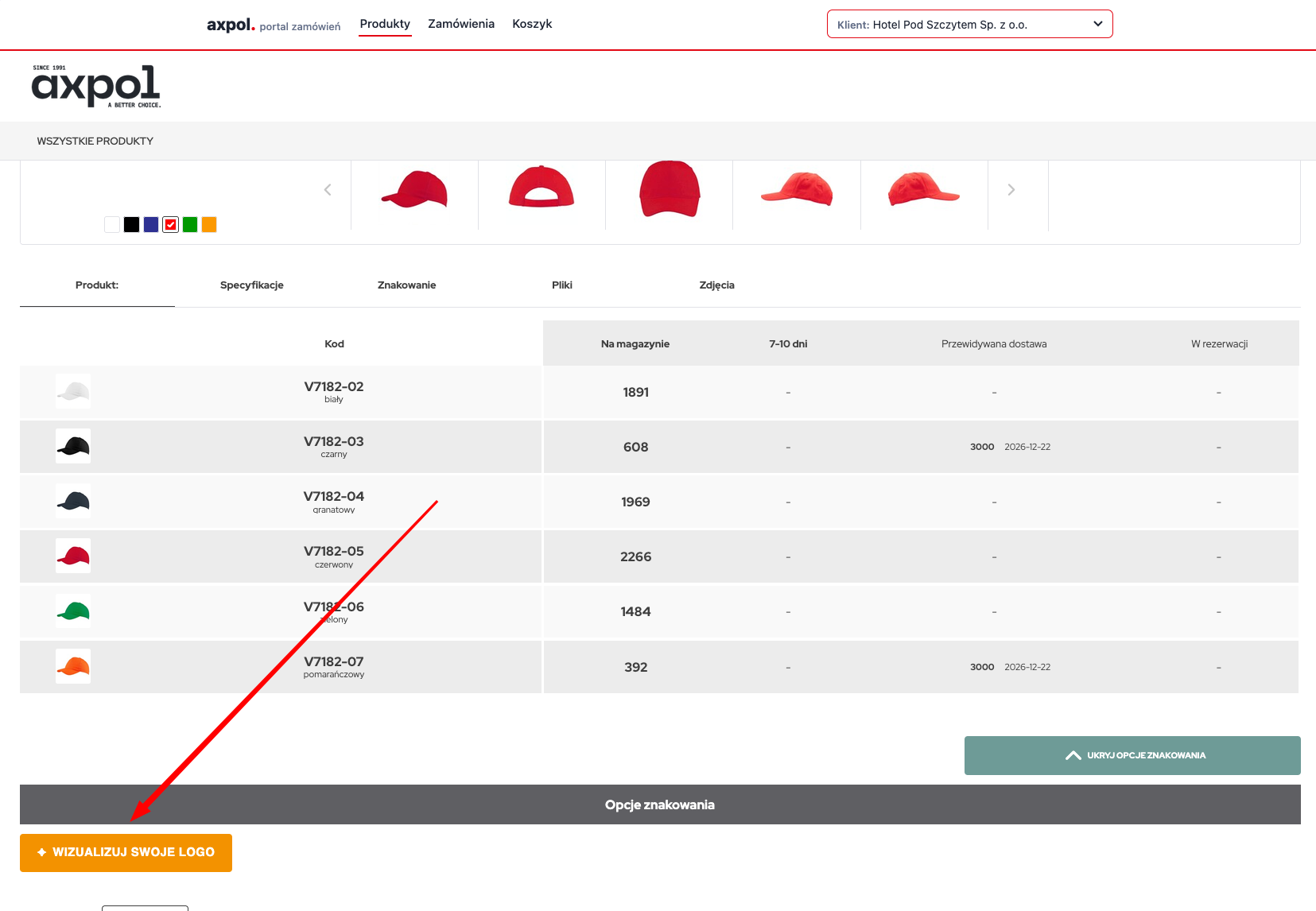
- Open the shop and go to any product, e.g. the V7182 cap.
- Below the variants table, expand Opcje znakowania (marking options).
- Click the orange Wizualizuj swoje logo (visualise your logo) button.
- Upload a logo (PNG, JPG or SVG), choose a position and technique, then move, scale or rotate the logo in the print area.
How it works
The solution has two stages.
1. Onboarding: photos become a 3D model (once per product). Every product photo goes through AI models. A geometry model scans the photo and reconstructs the item's shape: where it is flat, where it bends and at what angle. A second model (Claude) recognises the surface and material: a bottle's cylinder, a soft plush toy, the fabric of a cap. An algorithm finds the print area in the photo and its real size in millimetres. From this a three-dimensional mathematical model of the print area is built and saved together with a clean product photo. Doubtful cases are flagged for a person to check.
2. The website: maths applies the logo to that model (live). A mathematical engine runs in the browser: it takes the customer's logo and transforms it according to the 3D model from onboarding. The logo bends with the product, keeps its real size and looks like the chosen technique: print, engraving, transfer or embroidery. Everything is computed instantly, with no server and no AI, so moving, scaling and rotating the logo is smooth.
Direction: product onboarding in a conversation with Claude
Product onboarding is to become part of the shop, connected to Claude Desktop through the axpol-shop MCP server.
A new product is then added in an ordinary conversation:
- you provide the product package: the product page, photos with the print area marked, and files;
- Claude checks the package is complete and shows the positions and print-area sizes;
- after your “yes” it runs the preparation: geometry → AI description → adding to the shop → verification;
- at the end it gives the product address with a ready Wizualizuj swoje logo button, and quality warnings in plain language.
The next step is plain supplier photos without a frame. Then AI will mark the print area and a person will approve it.